
Now available for Windows
LANShare: Screen sharing on your local network
Share your screen with other computers on the same LAN — ultra-fast, hassle-free, and in high resolution.
Latest release –
- Open source (MIT)
- Windows 11
If Windows shows “Windows protected your PC”, click More info and then Run anyway.
Why does this happen?
LANShare is not code-signed yet — digital certificates are expensive for a free, open-source project, and Windows shows this warning for any unsigned app. The full source code is public on GitHub, so you can check exactly what it does.
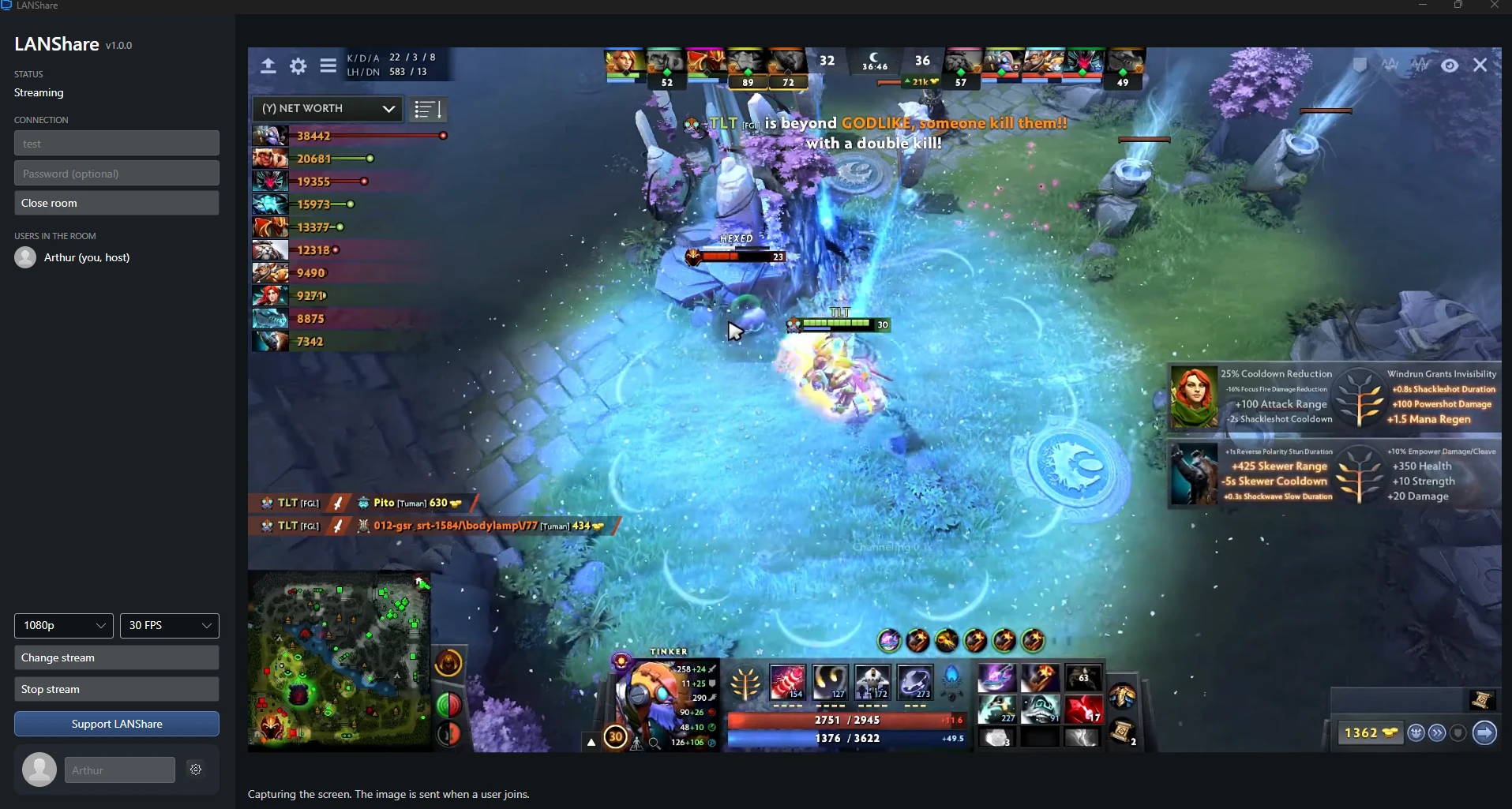
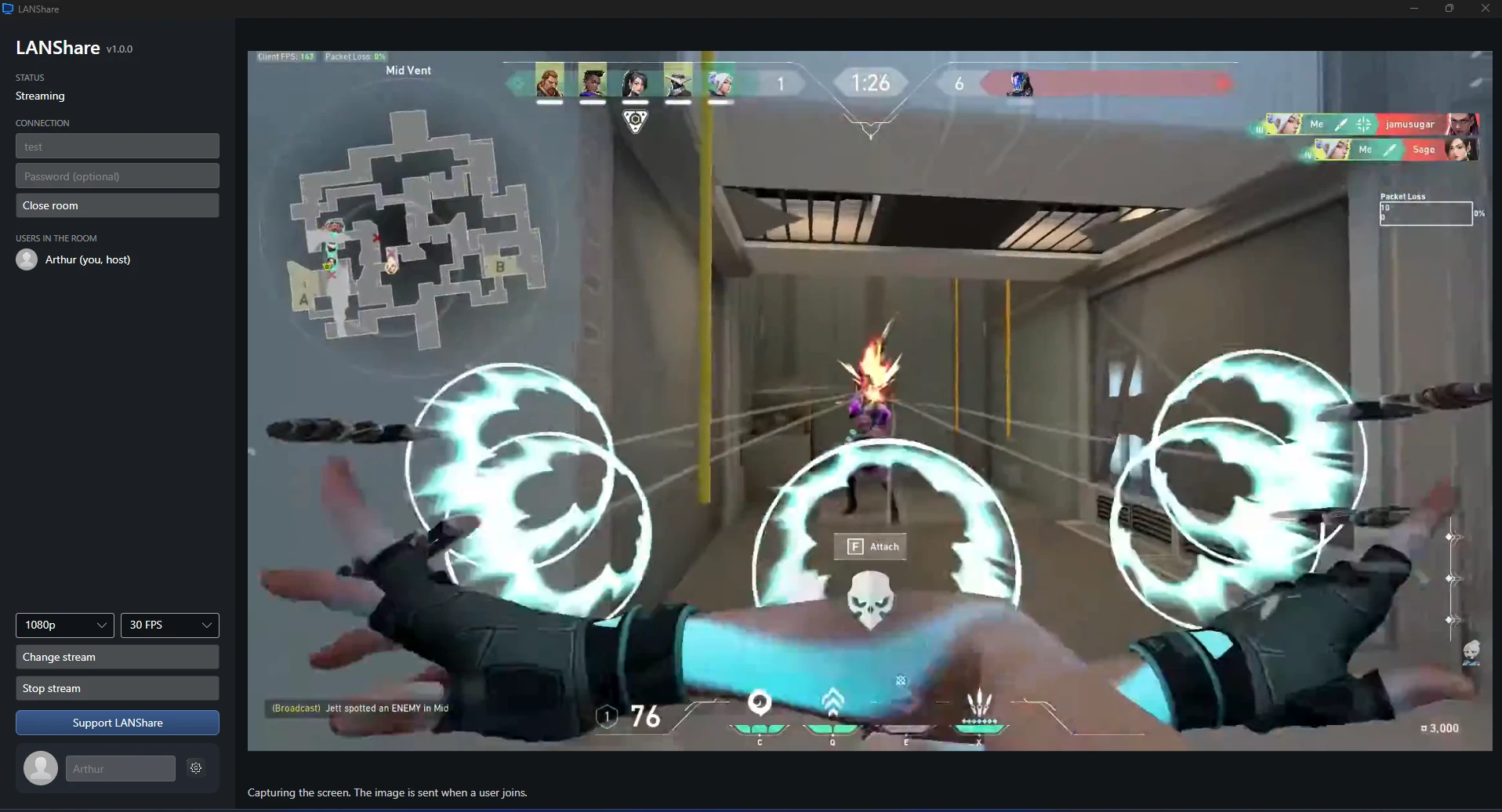
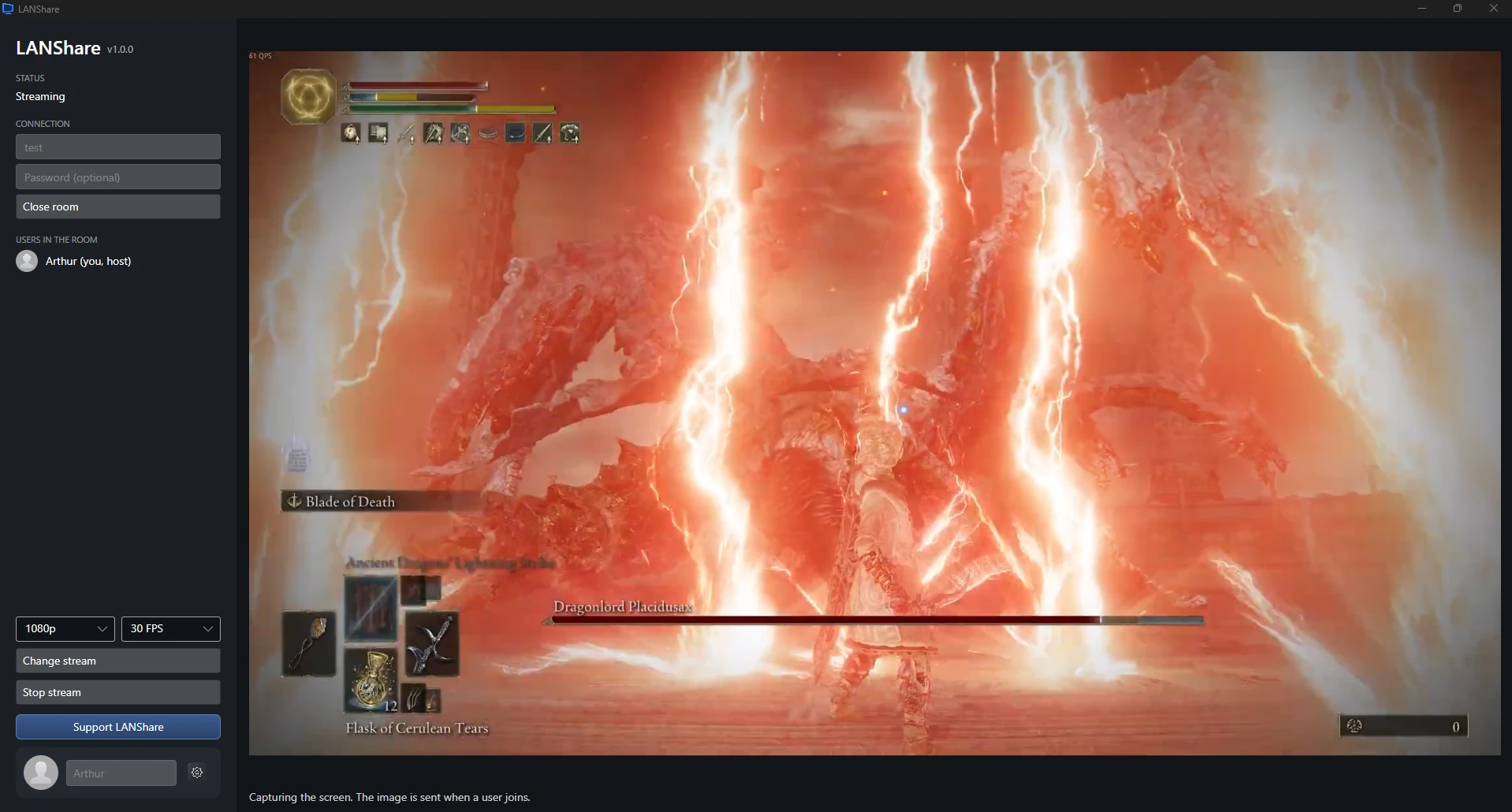
Powerful features
Everything you need to share your screen
Built for maximum performance on local networks — no external servers involved.
Password-protected rooms
Stay in control of who joins your stream by protecting your room with an optional password.
Up to 1080p / 30 FPS
Choose between different resolutions and frame rates to match your local network.
Free & Open Source
Completely free, with transparent open-source code available on GitHub.
Quick guide
How to use LANShare in 3 steps
Start sharing your screen in seconds.
Open the app
Download the .zip, extract it and open LANShare.exe — no installation needed.
Create or join a room
The host creates a room, with an optional password. Everyone else on the same network finds it in the room list and joins.
Share your screen
Pick a monitor or a specific window, choose the resolution and start streaming. That’s it!